






Description
Download Threema – secure messenger, encrypted chat, privacy-focused messaging
Overview
Threema is a privacy-centric messaging application developed by Threema GmbH, designed to deliver secure and private communication across multiple platforms. The software enables users to send encrypted chat messages, photos, videos, and location data with end-to-end encryption, ensuring that only the sender and recipient can access the content. Unlike many mainstream messaging services, Threema does not require a phone number or email address for registration, enhancing user anonymity. This makes it particularly suitable for professionals, journalists, and individuals who prioritize data privacy in their digital interactions. The app supports real-world use cases such as confidential business discussions, secure personal communication, and protected file sharing in sensitive environments. It is available on Windows, macOS, Android, and iOS, offering cross-device accessibility. The developer did not provide additional system requirements, and no specific user statistics or performance benchmarks were included. Threema’s focus on security and minimal data collection sets it apart in the crowded messaging landscape, especially for users seeking alternatives to mainstream platforms.
Key Features & Capabilities
- End-to-End Encryption: All messages, media, and location data are encrypted directly on the user’s device, ensuring that even Threema GmbH cannot access the content.
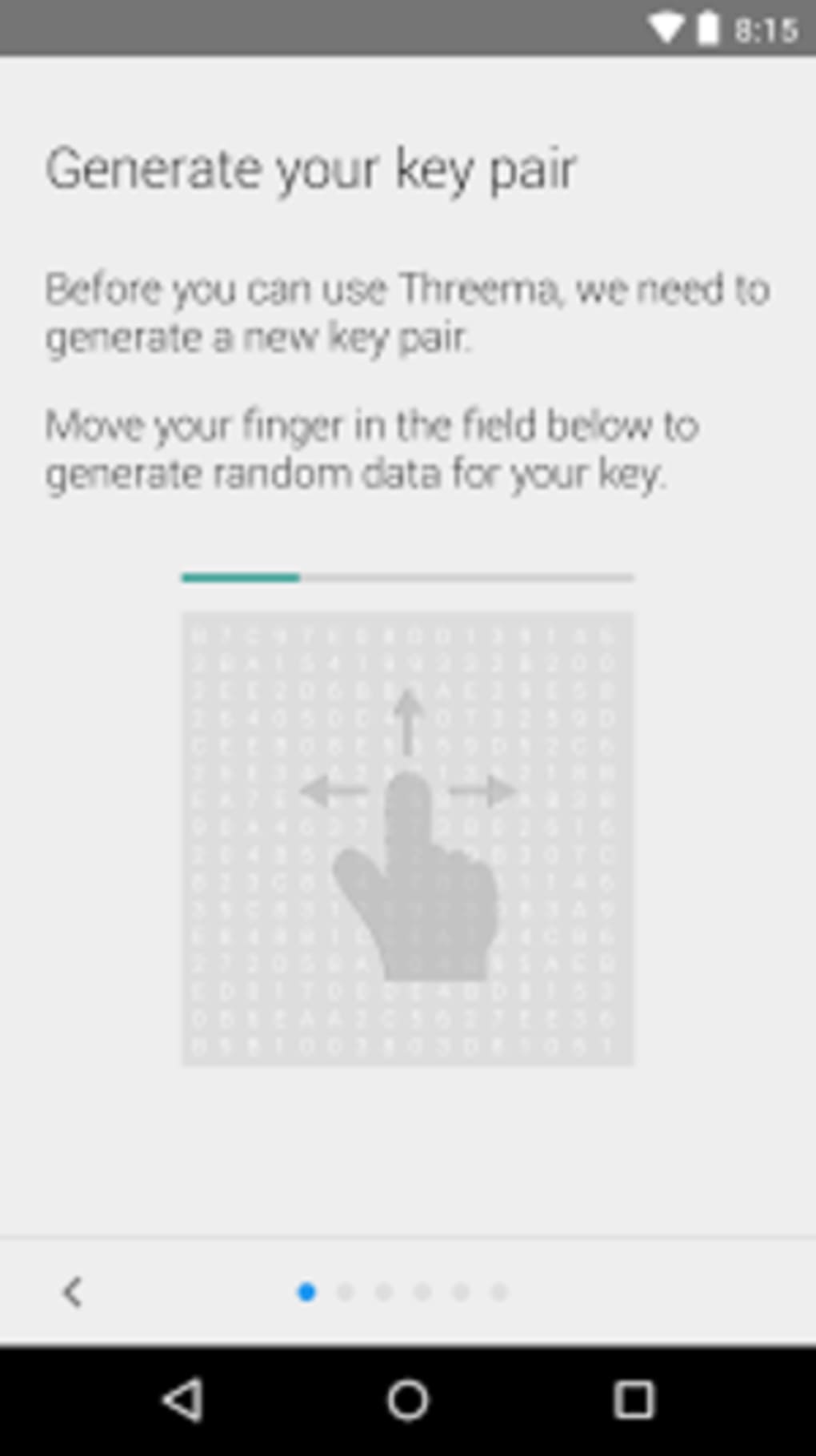
- Anonymous Registration: Users can create an account without providing a phone number or email address, preserving digital anonymity.
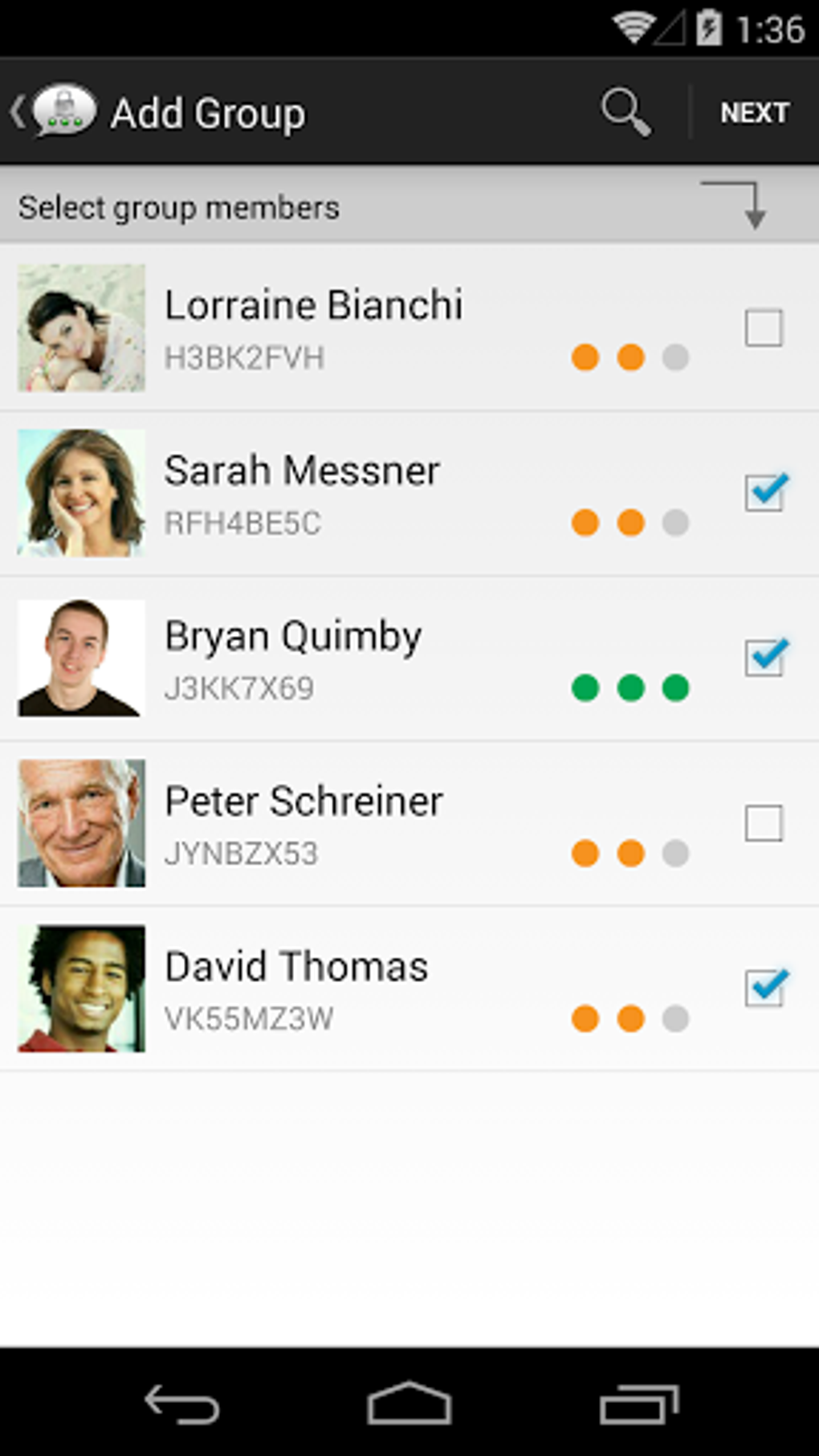
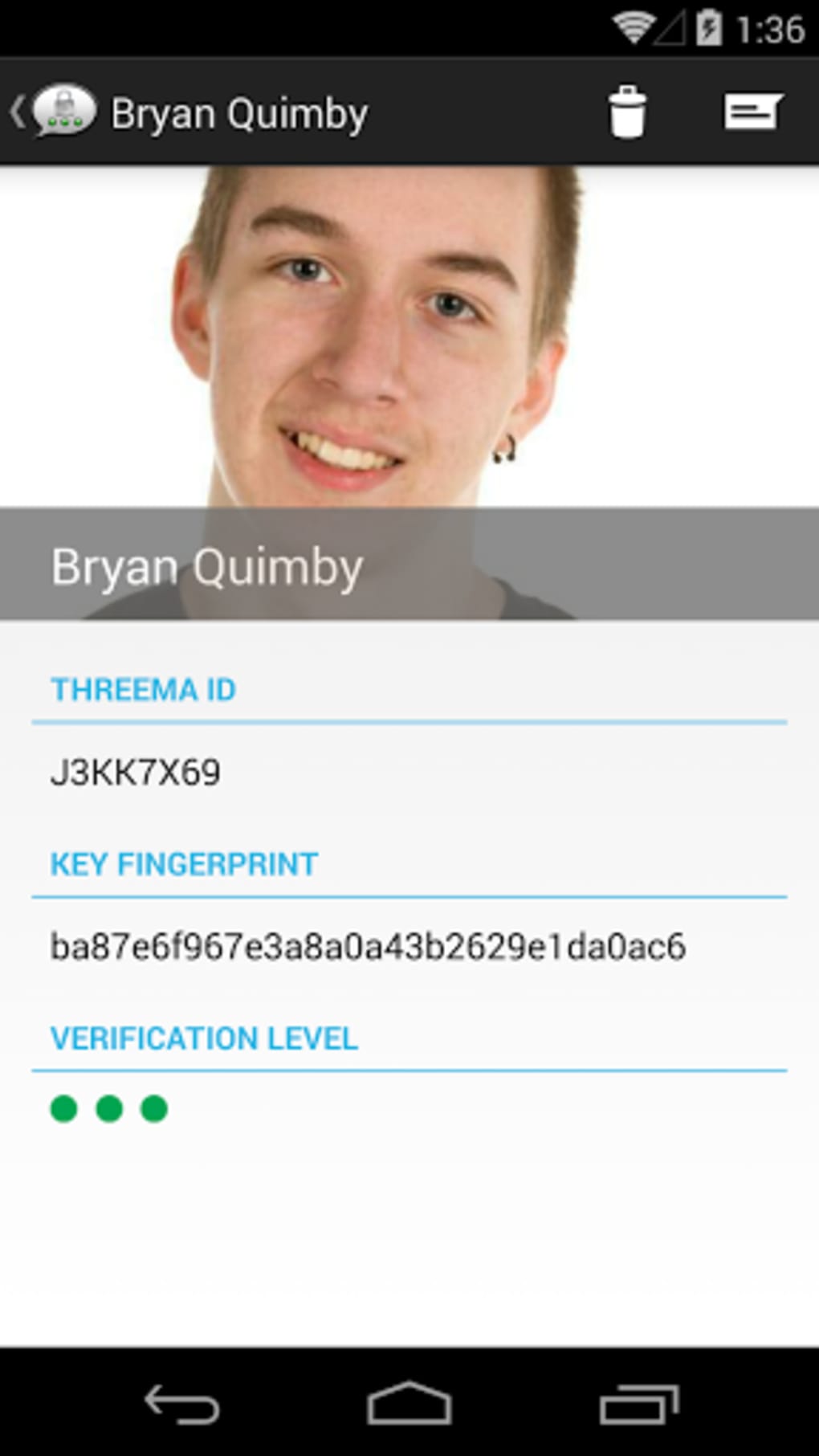
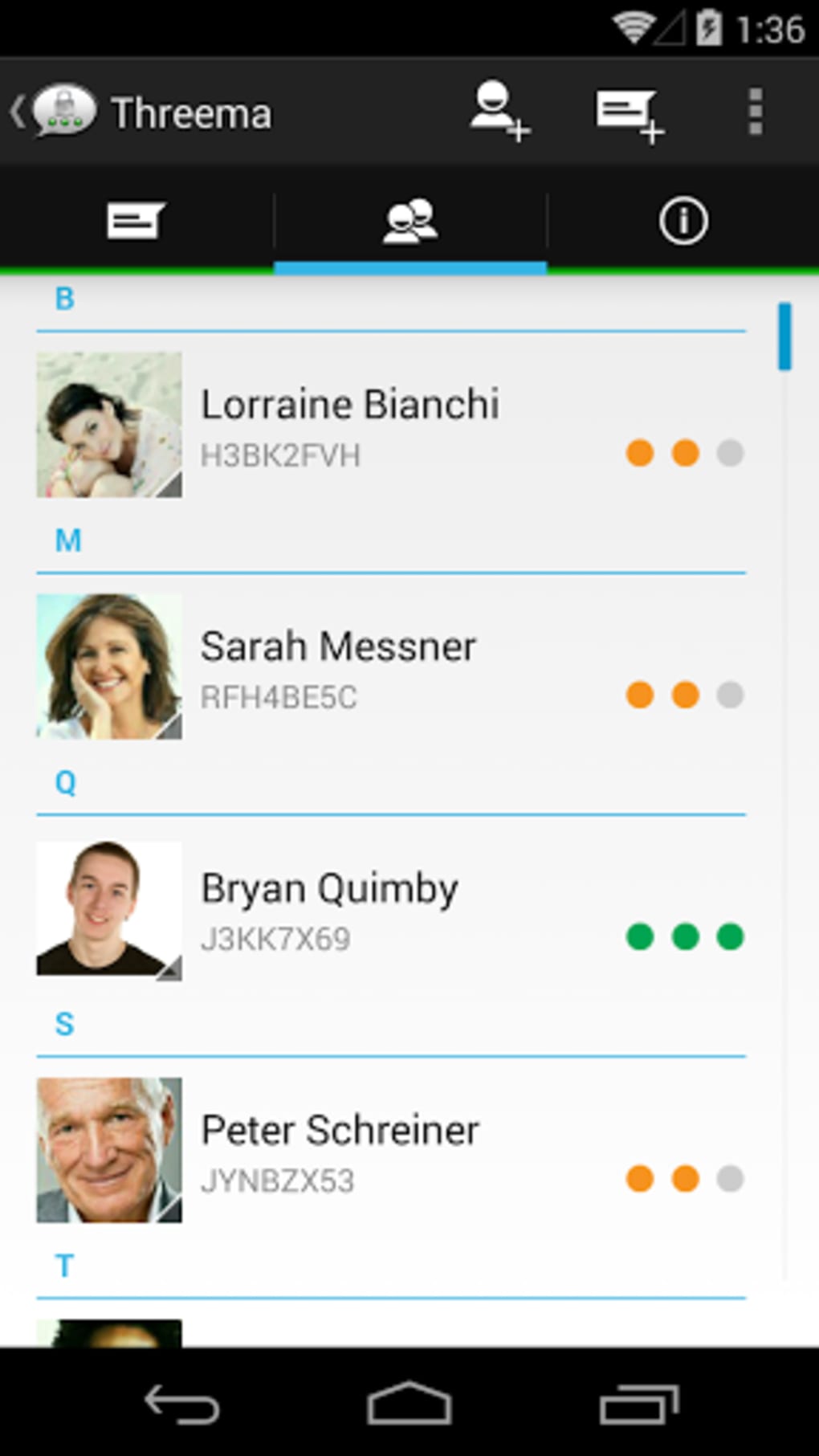
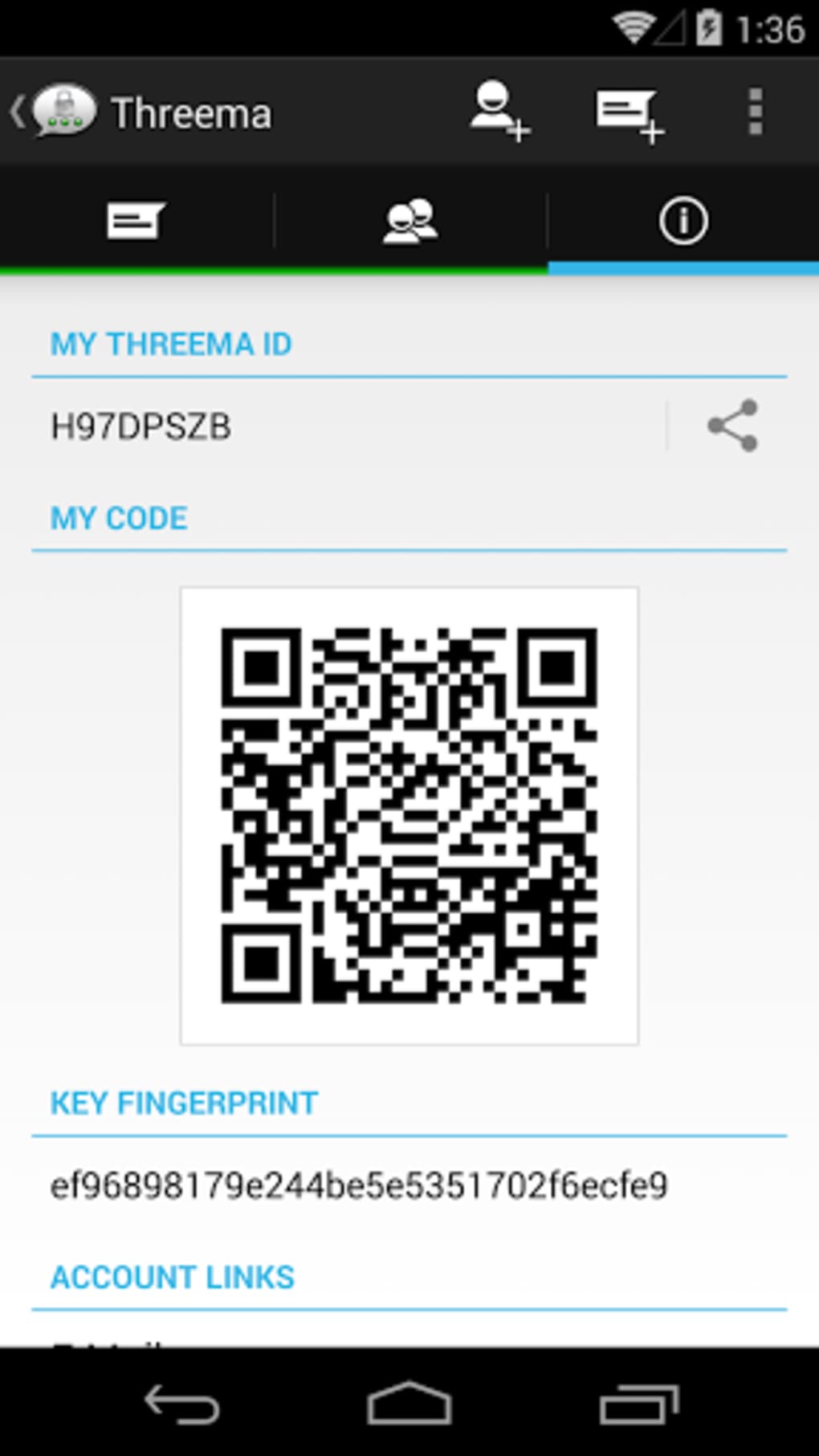
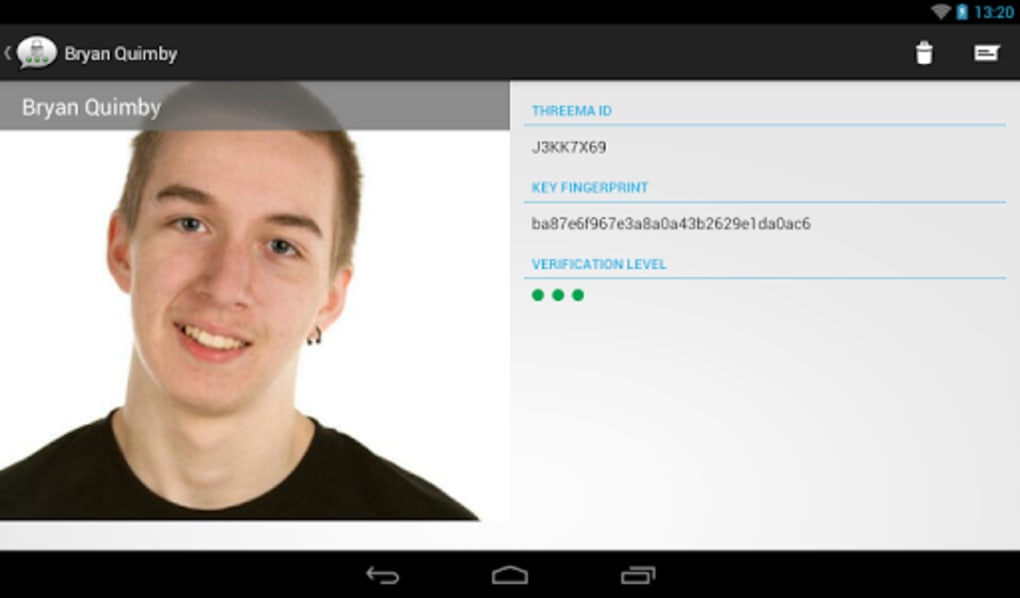
- QR Code Contact Verification: Contacts can be added via QR code scanning, with visual indicators (red to green dots) showing the level of trust in the contact’s identity.
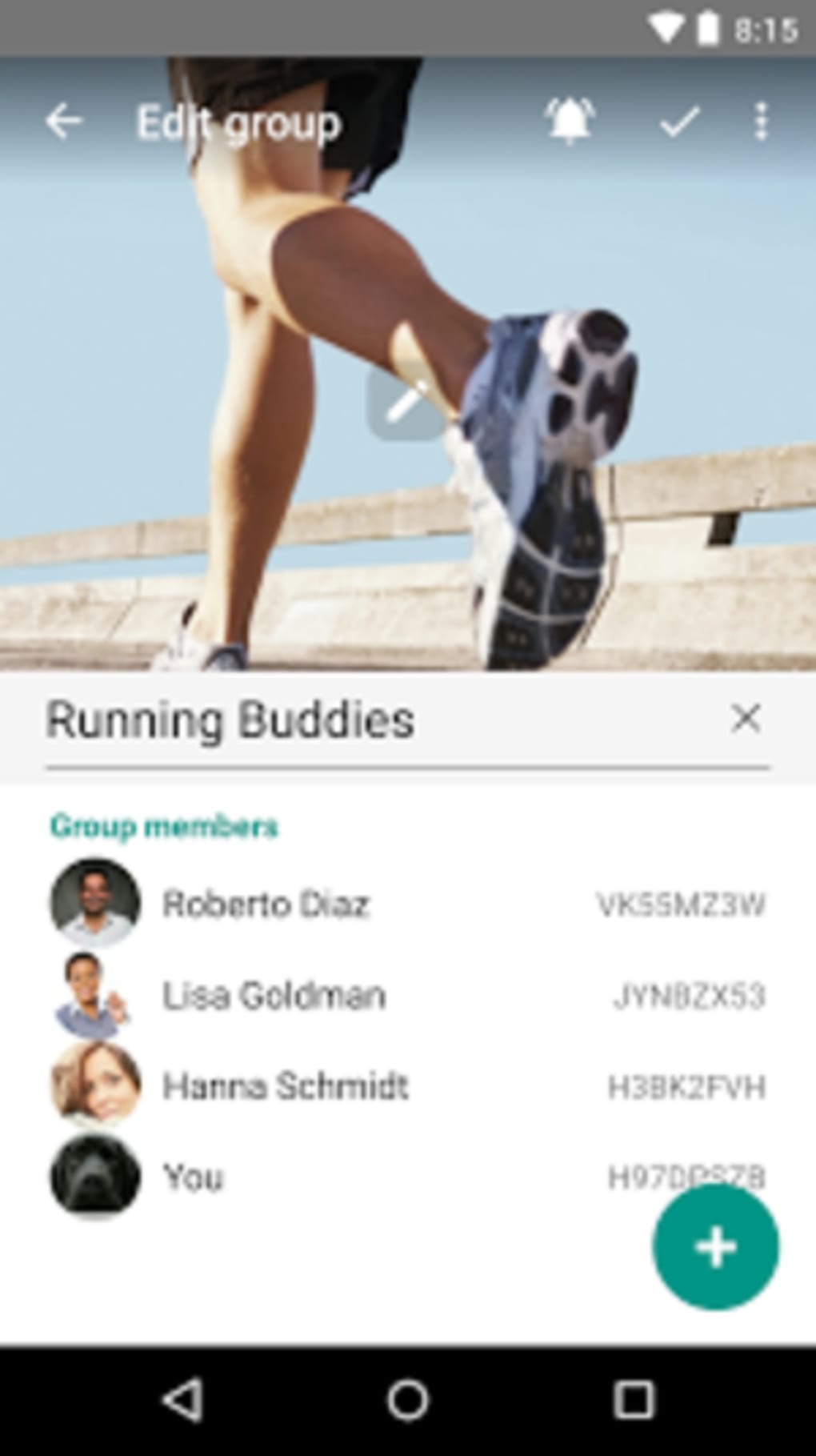
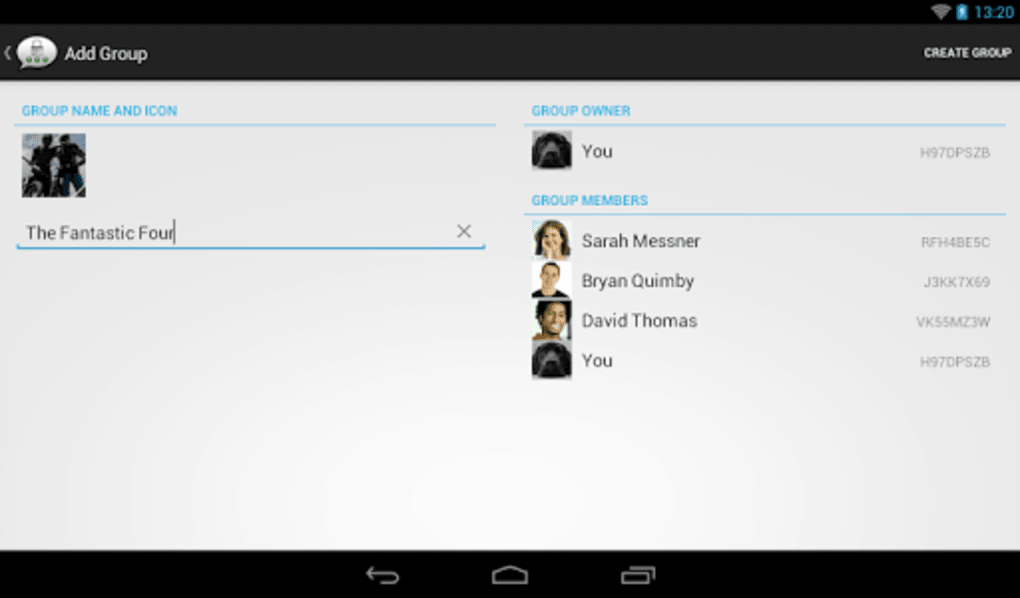
- Secure Group Chats: Supports group conversations with up to 20 participants, all protected by end-to-end encryption.
- Privacy Controls: Users can choose whether to share their phone number or email address within the app and can protect the app with a password.
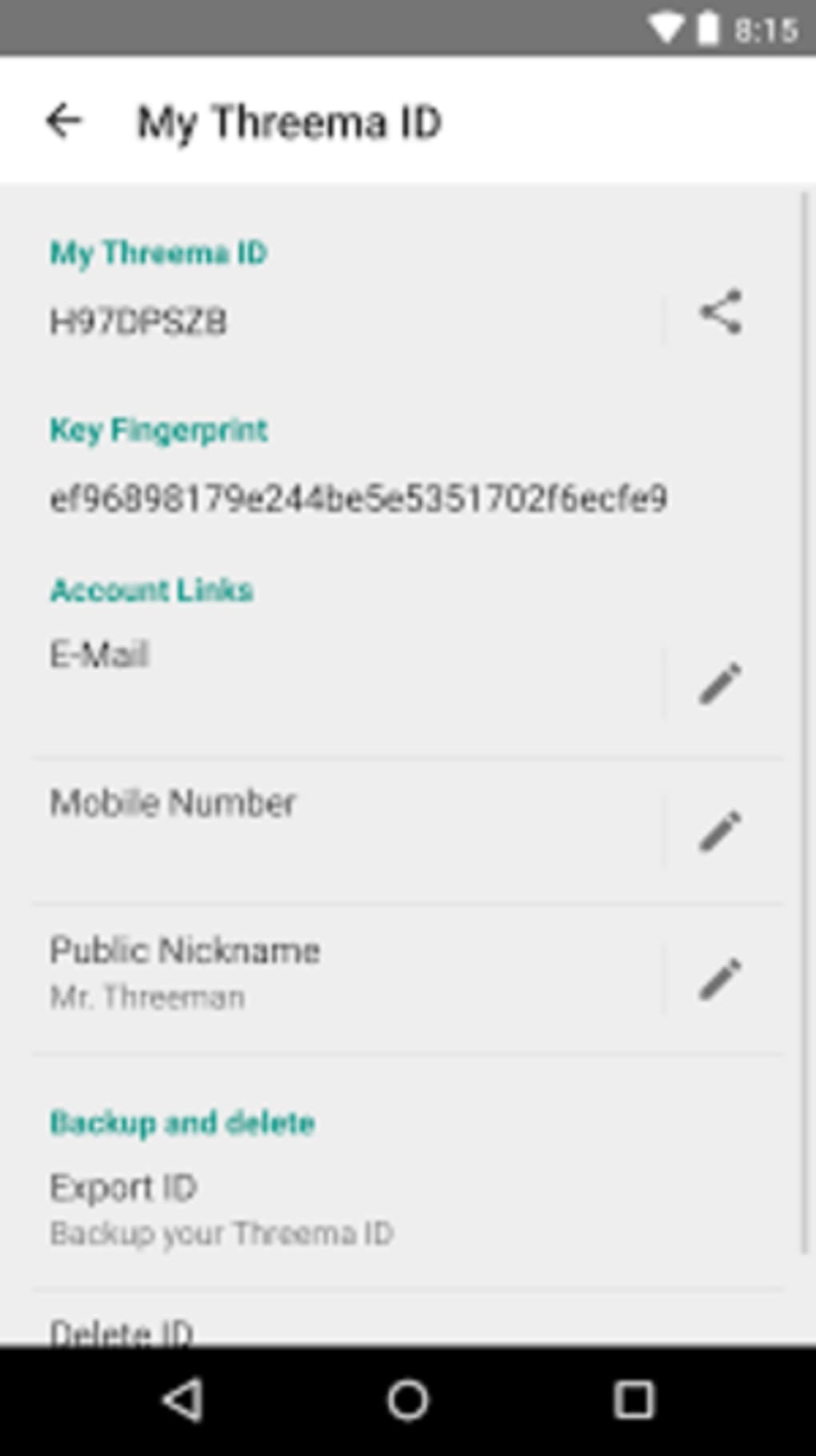
- Chat Backup: Allows users to back up chats, contacts, and their unique phone ID to prevent data loss when switching devices.
- Rich Emoji Library: Offers over 750 smileys and emojis for expressive communication.
These features are designed to support secure communication in both personal and professional contexts. For example, journalists can use Threema to exchange sensitive information without exposing metadata, while remote teams can conduct private meetings using encrypted group chats. The QR code verification system helps prevent impersonation, adding a layer of trust to digital interactions. The backup function ensures continuity across devices, which is essential for users managing multiple systems. While the app does not support cloud-based synchronization, all data remains under the user’s control, aligning with a privacy-first philosophy.
User Interface, Workflow & Performance
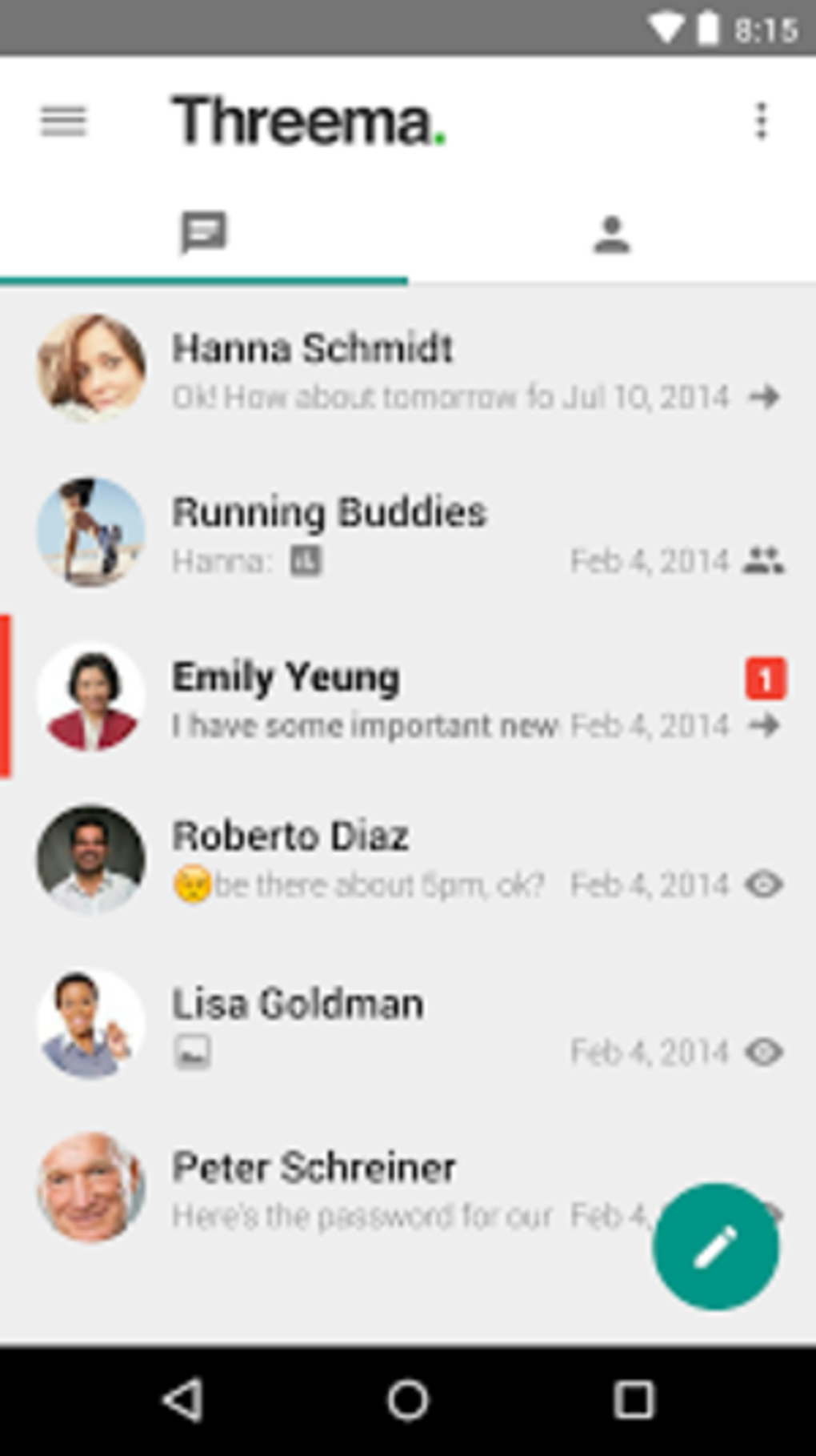
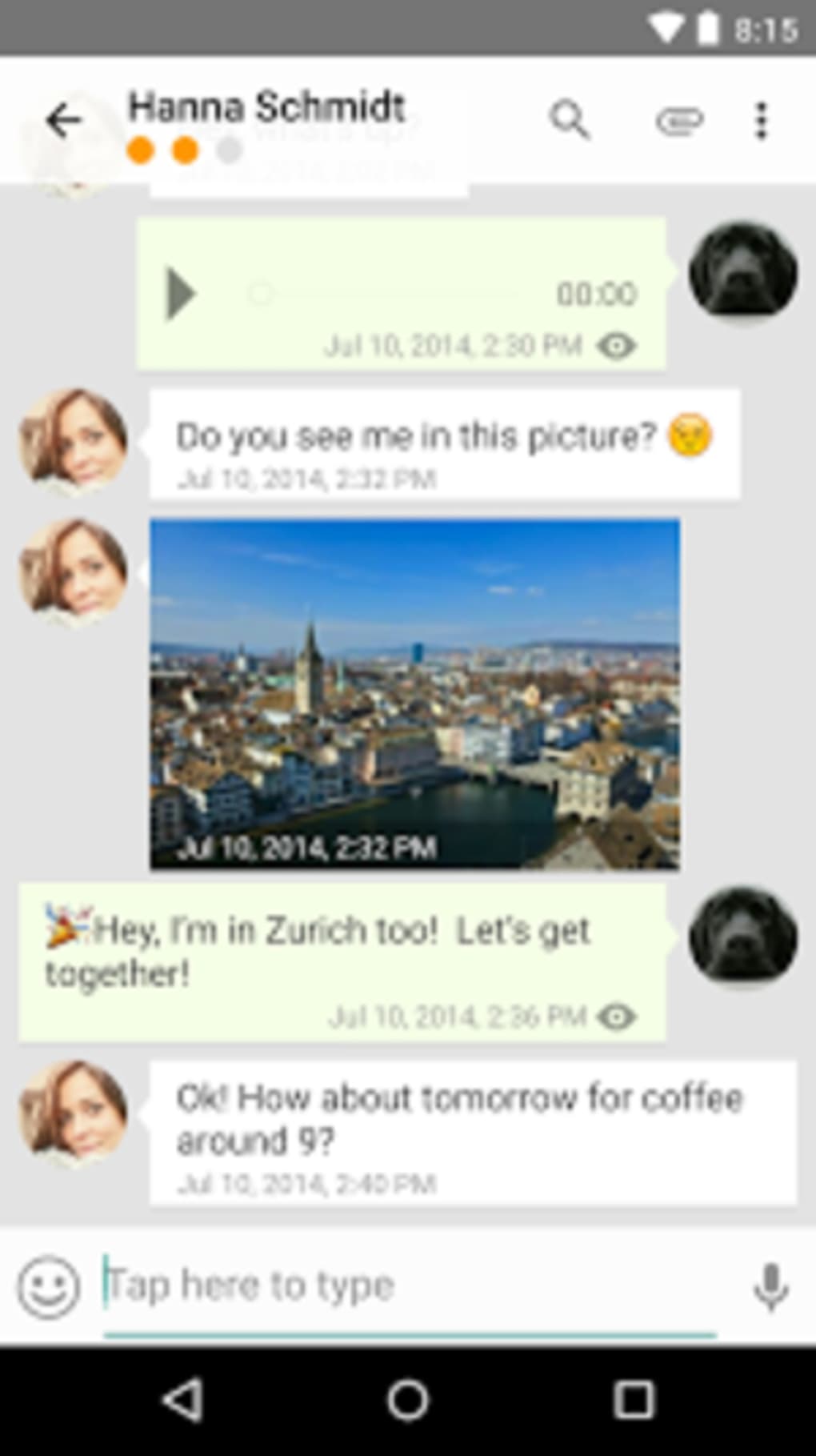
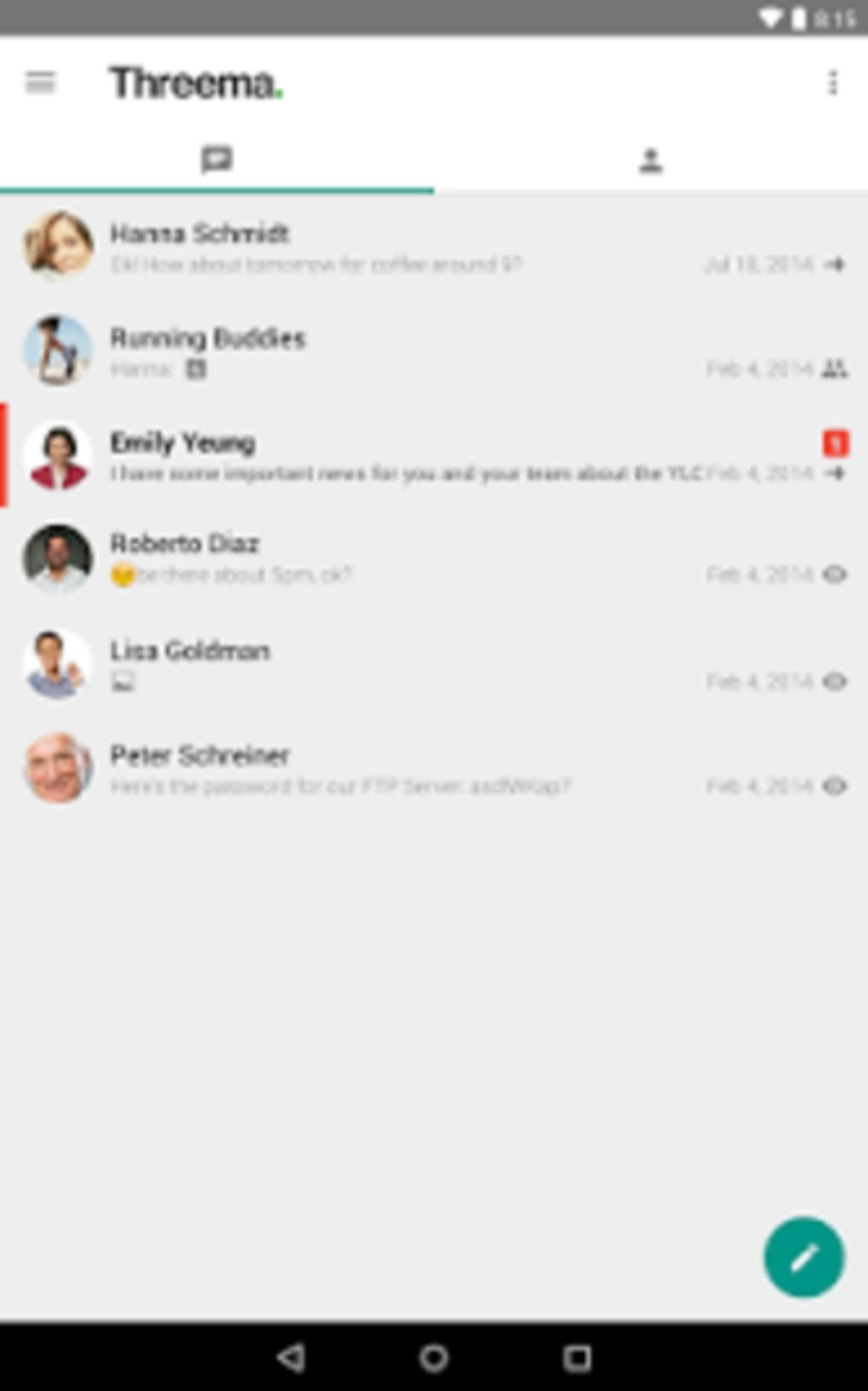
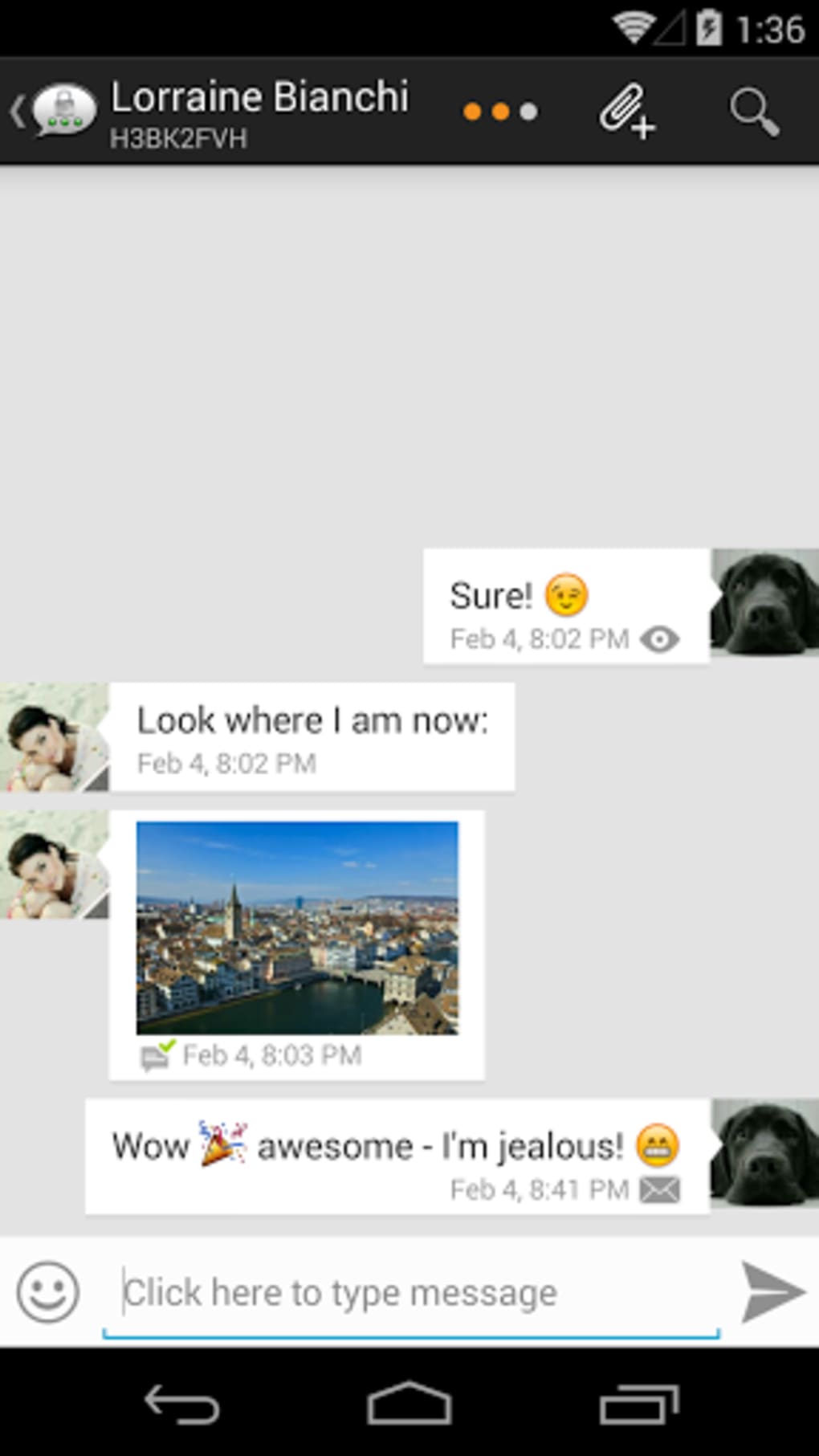
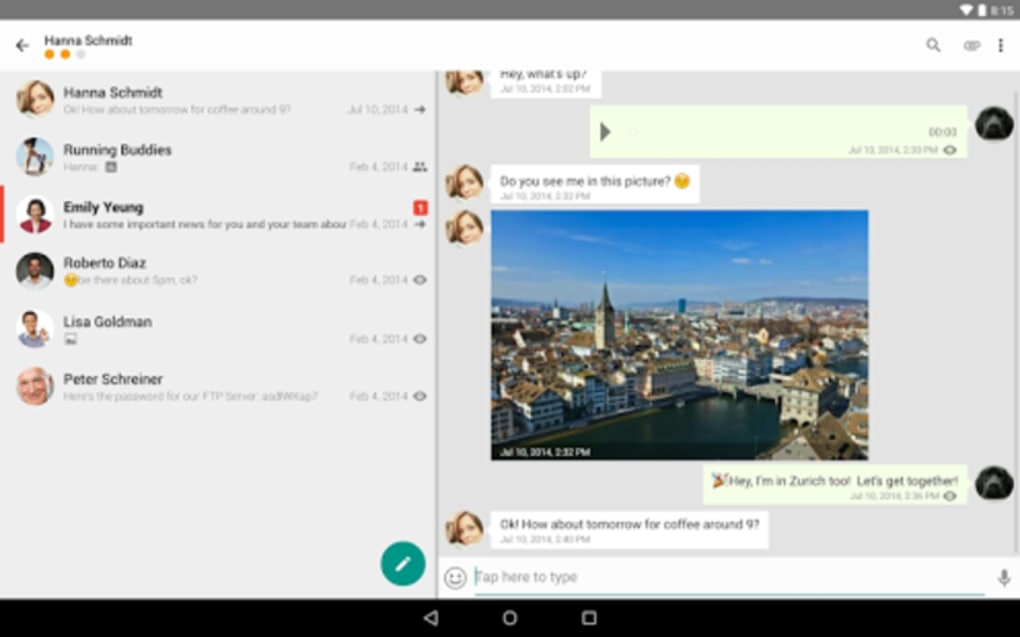
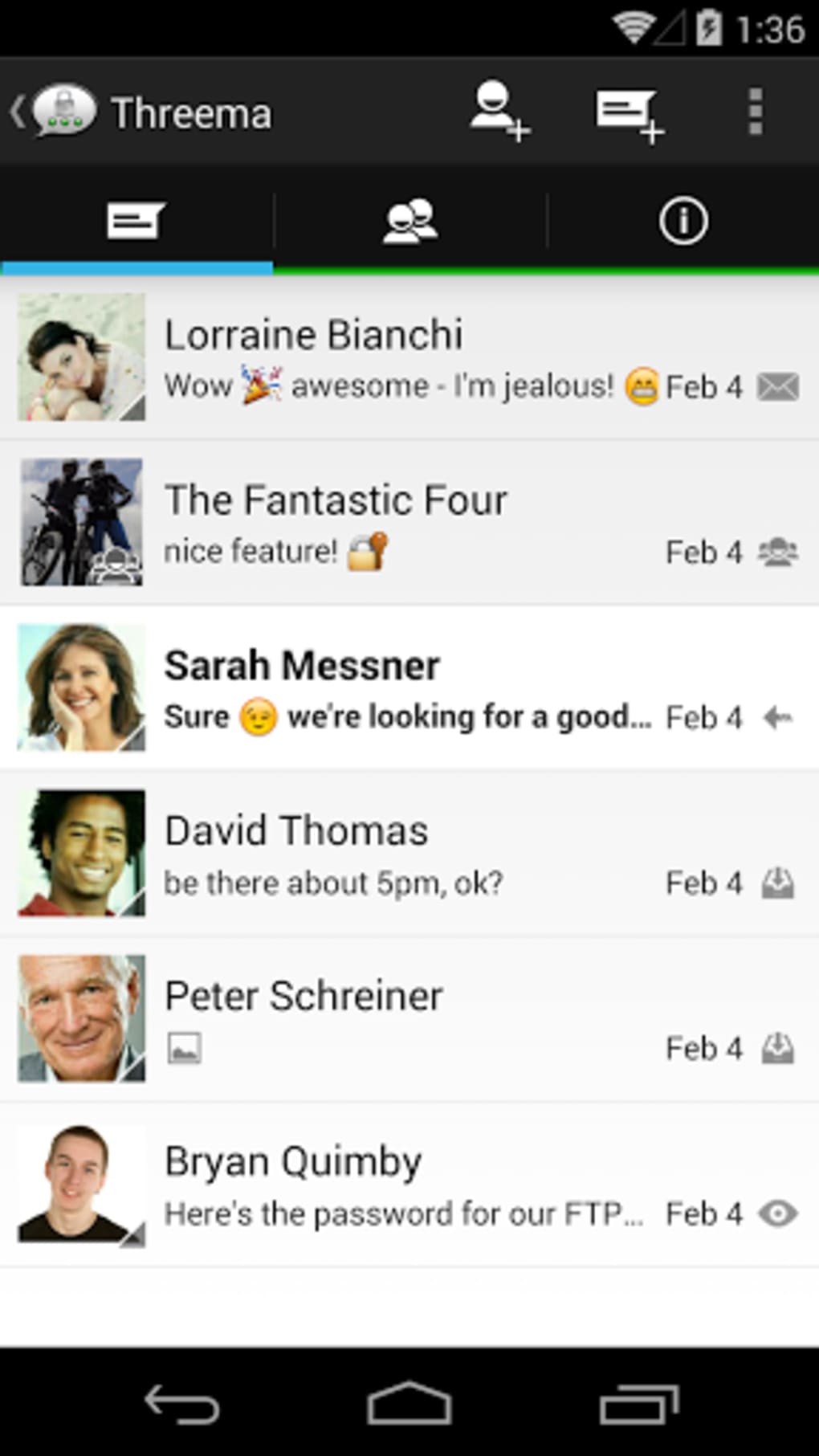
Threema presents a clean and functional user interface, with a layout that prioritizes clarity and security. Navigation is generally intuitive, though some workflow elements are less streamlined. For instance, leaving a group chat requires accessing the “My Groups” menu rather than a direct option within the chat window, which may cause minor user friction. The app lacks a dedicated photo overview, requiring users to scroll through chat history to locate media files, a limitation compared to competitors. However, the interface supports practical tools such as customizable chat backgrounds, notification preferences, and a built-in QR code scanner for contact addition. Performance observations are based on general software behavior patterns, and the developer did not specify resource usage details. No issues with stability or CPU/RAM behavior were reported in the provided information. The app maintains a responsive feel during basic interactions, and the absence of intrusive ads or tracking mechanisms contributes to a smoother user experience. Overall, the workflow is efficient for privacy-focused tasks, though some navigation inconsistencies may affect new users.
Compatibility & System Requirements
Threema is available for Windows, macOS, Android, and iOS, providing broad cross-platform support. The current version is 2.10.0, with an installation size of 22.4 MB. The developer did not specify exact system requirements, including minimum hardware specifications or OS versions. Compatibility information was partially provided, and no details on processor, RAM, or storage needs were included. Users should ensure their device meets the standard requirements for running modern desktop and mobile applications. The app is designed to function on both older and newer systems, but exact performance may vary depending on the device. The absence of detailed technical specifications means users must rely on general compatibility expectations. For optimal experience, it is recommended to run the latest stable OS version and keep the app updated to the latest version.
Pros and Cons
Pros
- End-to-end encryption for all data types
- Anonymous registration without phone number or email
- QR code-based contact verification for enhanced trust
- Supports secure group chats with up to 20 members
- Chat backup and cross-device continuity
- Large emoji library and customizable interface
- Free to download and use
Cons
- Limited navigation efficiency (e.g., group exit not in chat menu)
- No built-in photo overview or media gallery
- Missing cloud sync and automatic backup options
- Less familiar interface compared to mainstream apps
- Developer did not provide detailed system requirements
FAQ Section
Is Threema available for Windows and macOS?
Yes, Threema is available for both Windows and macOS, allowing users to access the app on desktop systems.
Can I use Threema without providing my phone number?
Yes, Threema allows registration without a phone number or email address, preserving user anonymity.
Is Threema secure? Can my messages be intercepted?
Threema uses end-to-end encryption, meaning only the sender and recipient can read the messages. The service provider cannot access the content.
Does Threema offer automatic updates?
Yes, the app supports automatic updates to ensure users have the latest version with security patches and improvements.
Can I use Threema offline?
Yes, Threema functions offline for viewing saved chats and media, though sending and receiving new messages requires an active internet connection.
Final Thoughts
Threema stands out as a secure and privacy-focused messaging solution, particularly suited for users who prioritize data protection over convenience. Its end-to-end encryption, anonymous registration, and QR-based identity verification offer robust security features that are rare in mainstream apps. While the interface lacks some of the intuitive navigation found in competitors, its core functionality remains strong and reliable. The app’s free pricing model makes it accessible to a wide audience, and its cross-platform availability ensures consistent use across devices. Users who value privacy in communication—such as activists, legal professionals, and remote workers—will find Threema to be a dependable choice. Despite minor workflow inefficiencies, the software delivers on its promise of secure messaging. Download Threema now to experience a messaging app built with privacy at its core.
Guides & Tutorials for Threema Secure and private Messenger
How to install Threema Secure and private Messenger
- Click the Preview / Download button above.
- Once redirected, accept the terms and click Install.
- Wait for the Threema Secure and private Messenger download to finish on your device.
How to use Threema Secure and private Messenger
This software is primarily used for its core features described above. Open the app after installation to explore its capabilities.
User Reviews for Threema Secure and private Messenger 0
No reviews found





